

What is a SAP environment and how can it be changed effectively?
A SAP environment is a conventional server installation that allows companies to manage their human resources, financial accounting, production, logistics, and successfully manage all phases of their business models, helping the user with all administrative tasks of their company and, through its internal operation, create an integrated environment that increases the efficiency of its users.
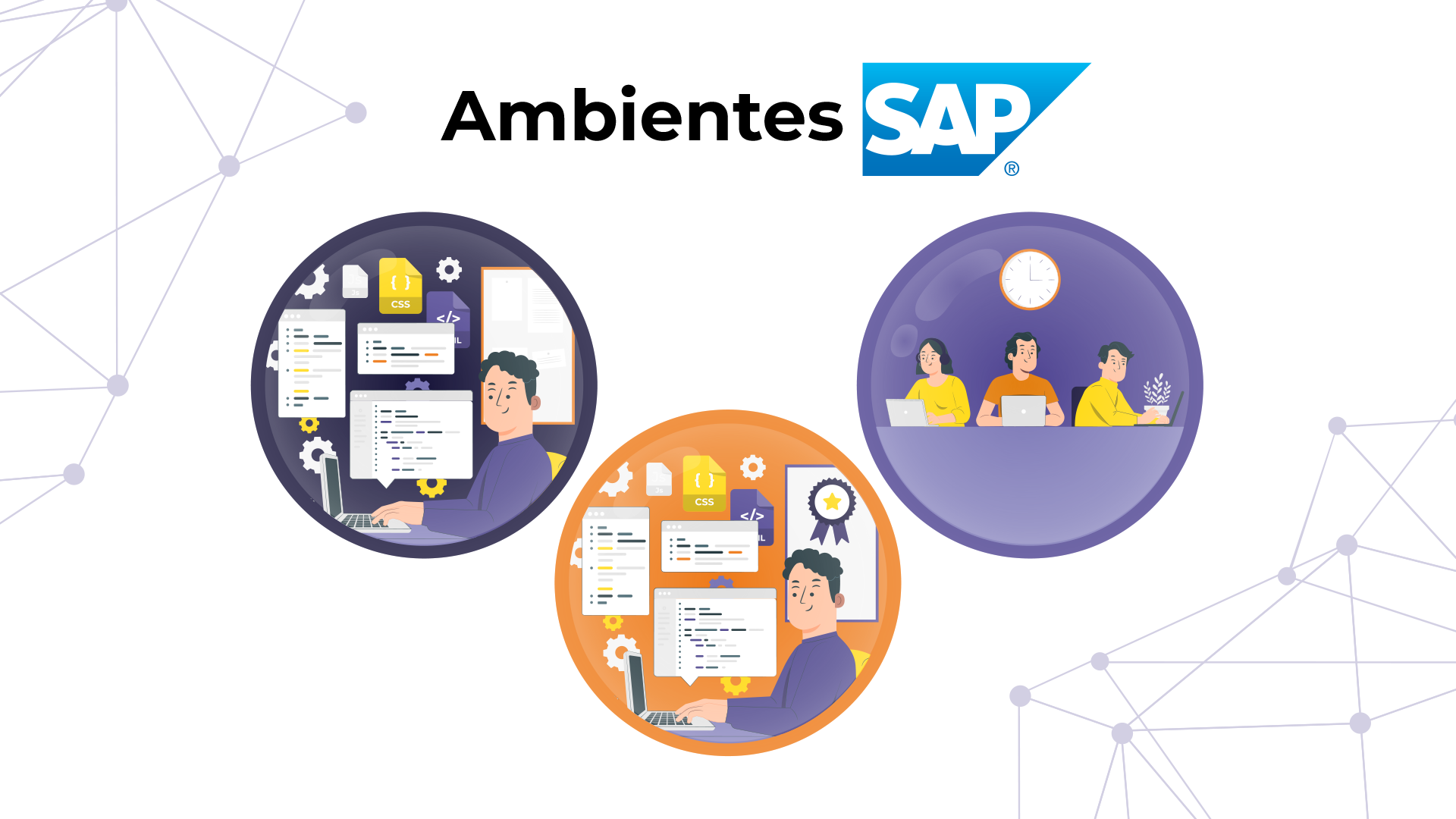
SAP recommends having a landscape (which is the scheme of systems and clients formed by the installation) of at least 3 environments.
These environments are known as development, testing, and production, and each fulfills a specific role within the software lifecycle.
Maintaining these three environments separate guarantees correct system stability and minimizes risks of errors in the production environment.
1. Development Environment
A Development environment where parametrizers (product consultants) and developers (ABAP or JAVA programmers) who do not have information about the organization's daily work access.
This environment is mainly used for the creation and configuration of new functionalities, customizations, and specific system adjustments.
It is in this environment where changes are made to the SAP modules without affecting the environment. In addition, developers can test their codes and applications in a controlled manner before sending them to the next environment and thus not affecting the database.
This environment generally has simulated test data, which allows for risk-free experimentation with the system.

2. Quality Assurance Environment
A Quality Assurance environment accessed by product consultants, functional consultants, and users to test the correct functioning of the program or configured functionality in the development environment, but without altering the organization's day-to-day data, with non-critical or censored test data.
This environment is essential for validating configurations before they are active in the production environment. It is where functional, integration, and performance tests are performed, guaranteeing that changes do not cause conflicts or errors in the system.
Users also participate in these tests, helping to simulate real business scenarios; this is with the objective of verifying that the new functionalities meet the established operational and business requirements.
The final objective of this environment is to guarantee stability and that all implemented solutions are efficient before their definitive release to the business world.
3. Production Environment
A Production environment where consultants and developers do not access, except in particular cases and only for viewing, and where the organization has its operational data and is accessed by all end-users of the system.
This environment is fundamental and critical because it contains all the company's real information: sensitive data such as those related to finance, logistics, production, and human resources.
It is in this environment where users perform their daily operations with the ERP, such as inventory management, sales processes, invoicing, and other work processes that are fundamental to the day-to-day business.
The transfer of developments and configurations to this environment is only carried out when the tests and service in the quality environment have been completed and approved.
The quality control team must verify that the operating system is functioning correctly.
Once in production, any error or malfunction can have a direct impact on the company's operations, so strict control policies and continuous monitoring are implemented to ensure the stability and availability of the system and each tenant.
Change transport process between environments
The process of transporting changes between environments in SAP on premise or in the cloud allows you to move developments and configurations in a controlled manner without affecting web applications. The process is generally carried out in the following 5 steps.
- Development of changesConsultants and developers make adjustments or create new functionalities in the development environment.
- Transport package: Changes are grouped into a transport package to ensure they migrate in an organized manner and with the material intact.
- Testing in quality: In the quality environment, functional and performance tests are performed to verify that everything is working correctly and without affecting operational data.
- Approval and transport to production: After approval in quality, the changes are moved to the production environment where the risk of errors is practically minimal (but can still exist).
- Monitoring in production: The system is monitored to ensure its correct functioning after implementation, it is verified that all roles work properly and that there are no errors in the system.
This process guarantees the stability and security of the SAP system in daily operation.
Maintain the effectiveness of your environments with Xamai
At Xamai, as leaders in SAP Basis services, we offer specialized solutions for managing and monitoring SAP environments, ensuring your company a professional management of the SAP landscape.
With our experience and knowledge, we help you guarantee total stability and performance of your SAP ERP in each stage of the software lifecycle. If you have any questions regarding SAP environments and testing, do not hesitate to contact us.
Ready to talk to SAP specialists?
Tell us what your company needs and we'll help you find the best path.
Request information









 English
  Español de México
  Español