

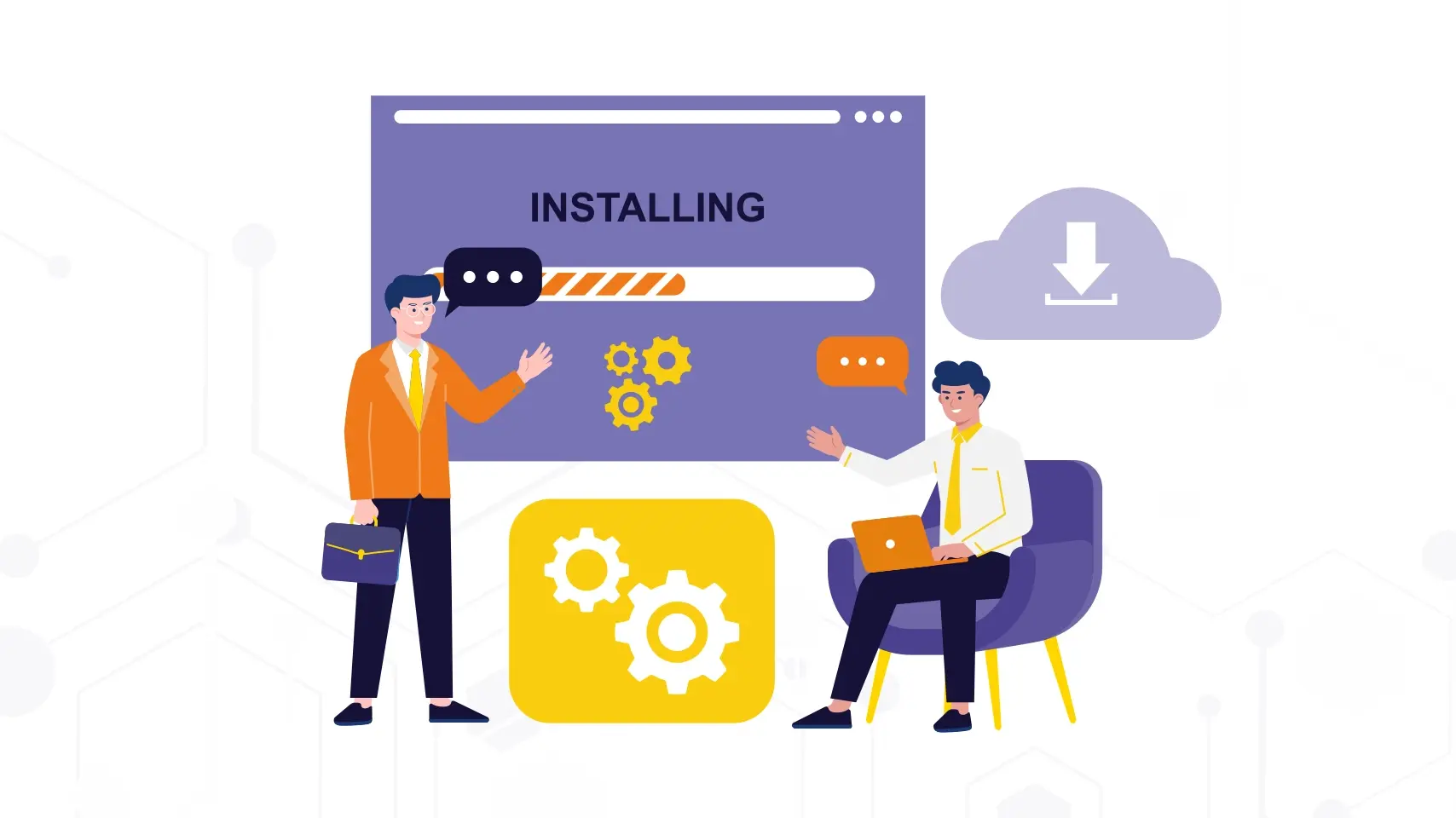
We'll tell you what the SAP installation process is like and everything you need to know before this step.
Implementing SAP is not a simple click or a procedure that anyone with basic technology knowledge can perform. If your company wants to install SAP, you should know that it is a complex business process that, to ensure proper functioning, must be carried out exclusively by consultants certified by SAP.
Warning! Don't do it yourself because you could expose your capital! A professional will always guarantee that the infrastructure and software meet the technical requirements and will also help protect the reputation of the ERP itself and the company's investment.
Today we want to explain how the implementation of SAP works, and above all, what is needed to prepare before starting. Below are the guidelines so that your organization is ready to successfully start this project.
What is needed to implement SAP?
Before talking about installing SAP, it is important to understand that SAP is a complete ERP, formed by modules that cover finance, logistics, human resources, and more, as we have already mentioned in previous blogs. Each of these components has specific requirements and processes, so a solid infrastructure and a detailed action plan are required.
These are some fundamental elements needed when implementing SAP:
- Data collection from all areas of the business.
- Document current processes and workflows.
- Define master data and operational rules.
- Designate an internal project leader who will serve as a liaison between the client and the consulting team.
- Have a compatible operating system and database (e.g., SAP HANA).
- Have adequate servers, storage, and connectivity to support the system load.
It is important to note that we must work hand-in-hand with a certified administrator or technical team to take care of configuration, security, role management, and user access.
How is the implementation carried out?
The procedure varies depending on the type of system, but it is a complex process, as the size of the company and the scope of the project greatly influence the provision of appropriate solutions.
Generally, implementation includes:
- Initial business analysis and information gathering.
- Configuration of modules and adaptation of the interface according to the profile of each area.
- Migration and initial loading of files and master data.
- Internal testing to validate functionality and performance.
- User training.
- Go-live and monitoring of operations.
In this process, there is important documentation to consider, such as internal manuals and guides that ensure proper management and maintenance of the program.
Where is SAP obtained?
At Xamai, we always recommend acquiring SAP only through official channels and with the support of authorized consultants. Depending on the usage and necessary versions, these are some options:
- Enterprise license for production environments, with support and updates included.
- SAP Cloud Appliance Library (CAL) for cloud infrastructure and rapid deployment.
- Trial versions for students or internal training, always under the control of an administrator.
It is important to have valid credentials and permissions, as well as access to the official download repository.
SAP for learning purposes.
If the goal is to learn, there are alternatives that do not require complex infrastructure:
- SAP Learning System Access: remote access to a real system via the internet.
- SAP Business Technology Platform (BTP): free tier for testing and development.
- SAP IDES: demonstration environment used in training, although it requires installation on a server or virtual container.
Technical and security considerations.
Security is fundamental in the implementation and should not be taken lightly, as an incorrect configuration can expose sensitive data or cause failures in process automation. Therefore, user management protocols, access control, and contingency plans must be established to guarantee system stability.
The role of the cloud in the implementation.
More and more companies are opting to host their ERP in the cloud, which allows for faster deployment, remote access from anywhere, and a flexible structure to scale the service. It also simplifies integration with other programs and adds an extra layer of security managed by the provider.
Practical tips before starting.
- Verify that you have all the technical and organizational requirements.
- Organize the project folders and files.
- Maintain a stable connection and available resources.
- Consult comments and experiences of other customers.
- Have all the documentation at hand and clearly define the internal roles.
Frequently Asked Questions
How long does it take to implement SAP?
It depends on the complexity of the project and the package contracted. It can range from weeks to several months.
Do I need to be an expert to implement SAP?
No, but the implementation should always be in the hands of certified consultants. The company must actively collaborate by providing data and validating processes.
Can I install SAP on a personal computer?
For educational purposes and under controlled environments only. Real implementations require enterprise infrastructure.
Ready to talk to SAP specialists?
Tell us what your company needs and we'll help you find the best path.
Request information








 English
  Español de México
  Español