

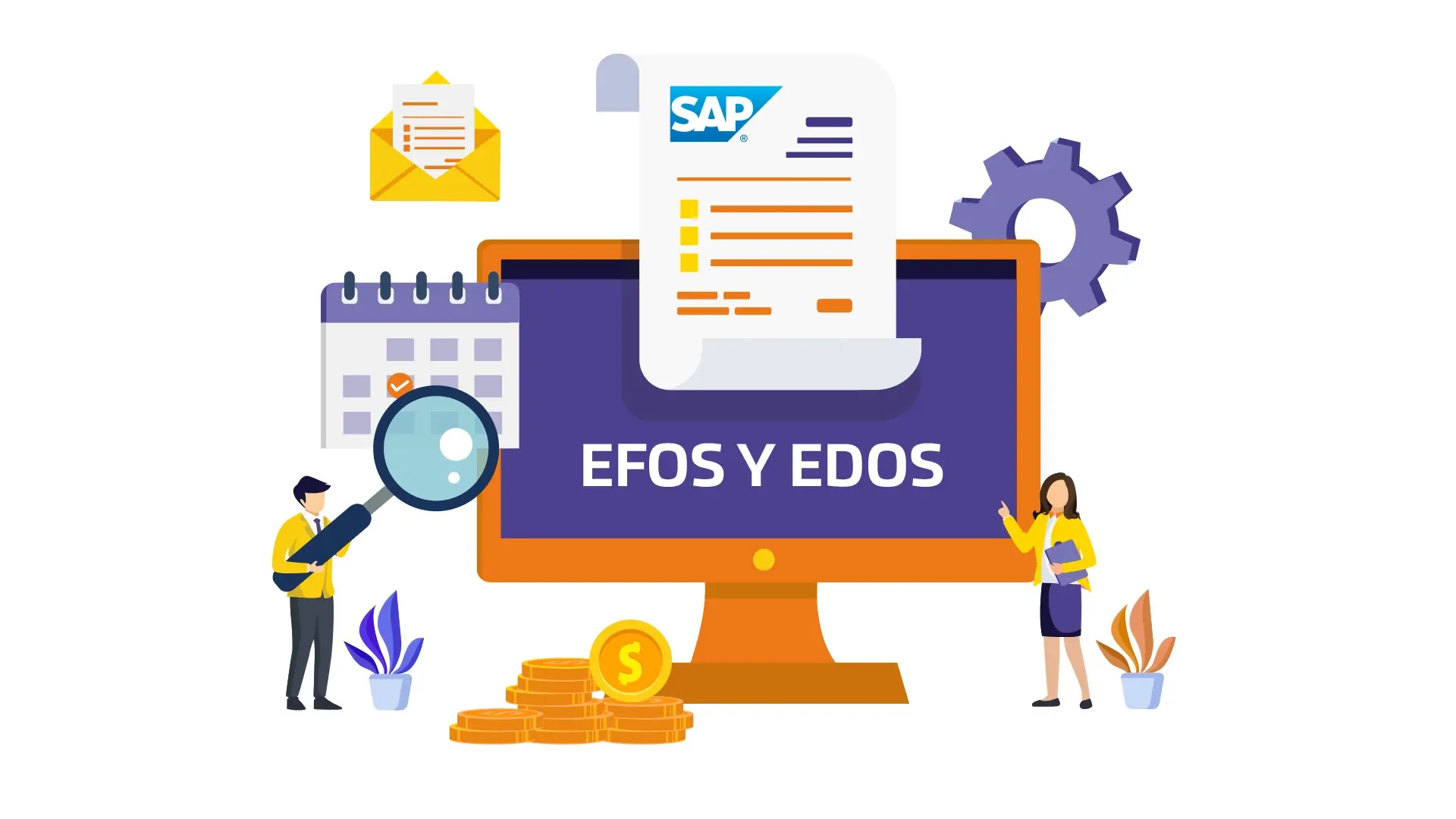
We tell you how to validate EFOS and EDOS using SAP Accounting to guarantee the fiscal integrity of your company.
In Mexico, the fight against tax evasion and fraud is a priority, and it must be avoided at all costs to be included on the lists of delinquent taxpayers. Two important figures in this battle are EFOS (Companies that Invoice Simulated Operations) and EDOS (Companies that Deduct Simulated Operations).
EFOS are companies that issue invoices without carrying out real operations, while EDOS use these invoices to deduct fictitious expenses and thus illegally reduce their tax burden.
The validation of EFOS and EDOS has become an important task for companies, as the inadvertent use of invoices issued by EFOS can have serious legal and financial consequences.
SAP, as an Authorized Certification Provider for the SAT, provides companies with the ability to carry out real-time audits, ensuring that accounting and tax operations comply with current regulations.
In addition, specific AddOns such as Factur-e and Conta-e enrich these capabilities, providing specialized functionalities for the detection and management of invoices issued by EFOS and used by EDOS.
SAP Solutions for the Accounting of your business
SAP's accounting solutions are designed to cover all the financial needs of a company, from general accounting and asset management to treasury and tax compliance.
SAP solutions allow for complete integration of the different areas of the company, which facilitates the synchronization of accounting data with other functions such as sales, purchases and production. This integration improves the accuracy and consistency of financial information.
SAP offers tools to automate routine accounting tasks, such as bank reconciliation, month-end closing, and report generation. This not only saves time, but also reduces the risk of human error.
SAP's accounting solutions not only facilitate the financial management of companies, but also improve operational efficiency, ensure regulatory compliance, and provide the tools necessary to make informed and strategic decisions. The implementation of SAP in the accounting area represents an investment in the accuracy, security, and efficiency of the company's financial processes.
Process of Validating EFOS and EDOS in SAP
One of the main benefits of using SAP for accounting and tax management is its ability to integrate data from multiple sources into a single centralized platform.
This integration facilitates the validation of EFOS and EDOS, as it allows companies to access accurate and up-to-date tax and accounting data.
Data Collection:
SAP automatically collects information from invoices, accounting transactions, and tax documents. This data can come from internal company systems or external sources, such as suppliers and customers.
Centralization of Information:
Once collected, the data is centralized in the SAP system, which allows for a holistic and detailed view of all financial operations. This centralization is crucial for identifying and validating potential EFOS and EDOS.
Data Enrichment:
Fiscal and accounting data can be enriched with additional information, such as historical records, supplier profiles, and details of specific transactions. This enrichment improves the accuracy and effectiveness of the validation process.
Real-Time Validation and Audit Mechanisms
SAP provides several tools and functionalities that allow for real-time validation and auditing of financial transactions, which is essential for detecting and preventing simulated operations (EFOS) and undue deductions (EDOS).
Automatic Invoice Validation:
SAP uses advanced algorithms to automatically validate received invoices. This includes verifying the supplier's tax data, the authenticity of electronic invoices, and comparing invoice details with recorded transactions.
Data Cross-Referencing:
SAP allows for cross-referencing of data between different modules and systems. For example, invoices can be cross-referenced with purchase orders, goods receipts, and payments made to ensure the consistency and validity of transactions.
Alerts and Notifications:
The SAP system can generate automatic alerts and notifications when irregularities or discrepancies are detected in fiscal and accounting data. These alerts allow financial managers to take corrective action immediately.
Audit Reports:
SAP offers report generation tools that allow for detailed and customized audits. Reports can include trend analysis, identification of suspicious patterns, and summaries of validated and rejected operations.
Integration with Specialized AddOns:
AddOns such as Factur-e and Conta-e complement SAP's capabilities by providing specific functionalities for the validation of EFOS and EDOS. Factur-e, for example, can verify the authenticity of electronic invoices and compare them with lists of sanctioned companies, while Conta-e facilitates the reconciliation of fiscal and accounting documents.
Predictive Analysis:
SAP can also incorporate predictive analysis to identify suspicious behaviors before they become problems. This includes analyzing historical patterns and using machine learning models to predict potential fraud.
Benefits of Using AddOns in SAP Accounting
AddOns are specifically designed to integrate seamlessly with existing SAP systems. This facilitates implementation and ensures that users can maximize the functionality without a steep learning curve.
It is important to mention that accounting AddOns were mainly created because SAP, being an ERP of German origin, does not fully comply with the fiscal requirements of Mexican laws imposed by the SAT; the addition of these tools is fundamental to comply with current tax regulations in our country.
In addition to being customizable to adapt to the specific needs of each company, providing a flexible and scalable solution that can grow with the business.
Implementing these AddOns is a strategic investment that strengthens the integrity and efficiency of a company's accounting and tax operations to avoid being on the SAT's blacklist as a delinquent taxpayer.
Examples of Best Practices in the Validation of CFDI and EDO
-
Continuous Validation:
-Implement continuous validation processes to monitor all transactions in real time.
-Use automation tools to validate invoices and transactions against lists of CFDI and EDO. -
Periodic Internal Audits:
-Conduct periodic internal audits to review and validate accounting transactions.
-Use the AddOns to generate detailed audit reports and analyze trends. -
Data Cross-Referencing:
-Use data cross-referencing functionalities to verify consistency between invoices, purchase orders, and goods receipts.
-Implement automatic alerts to detect discrepancies and potential fraud. -
Interdepartmental Collaboration:
-Promote collaboration between the accounting, finance, and purchasing departments to ensure comprehensive validation of operations.
-Share relevant information and findings to improve the detection of CFDI and EDO. -
Continuous Updating:
-Keep the AddOns updated with the latest versions of XML file downloads and functionalities.
-Stay informed about changes in tax regulations and adjust accounting processes accordingly. -
Constant Training:
-Offer continuous training to ensure that personnel are familiar with best practices and new functionalities.
-Include case studies and practical examples in training to improve understanding and application of the AddOns.
Implementing and using AddOns such as Factur-e and Conta-e in an ERP like SAP with its Accounting tools can significantly transform the way a company validates and audits its operations, ensuring regulatory compliance and operational efficiency according to Article 69-B of the Federal Fiscal Code regarding the validation of CFDI and EDO.
At Xamai, we can guide you if you have any questions related to the tools your company needs and how to implement them effectively.
Ready to talk to SAP specialists?
Tell us what your company needs and we'll help you find the best path.
Request information




 English
  Español de México
  Español