


Learn about the Hardware Key code, how to identify it, and its components
Hardware Key It is a code that is composed of the software and hardware of the server where the license server component: Service Manager is installed. It is generated during the installation of the SAP system and is based on the hardware characteristics of the server; such as MAC address or serial number.
This code is essential to request the license keys, since SAP uses it to validate that the software is running in the environment for which it was authorized.
To identify it, you have the following options (SQL platform):
- In Windows, from the Start button > SAP Business One > right-click on Service Manager > Run as Administrator.
- An icon will appear in the Windows Tools bar:
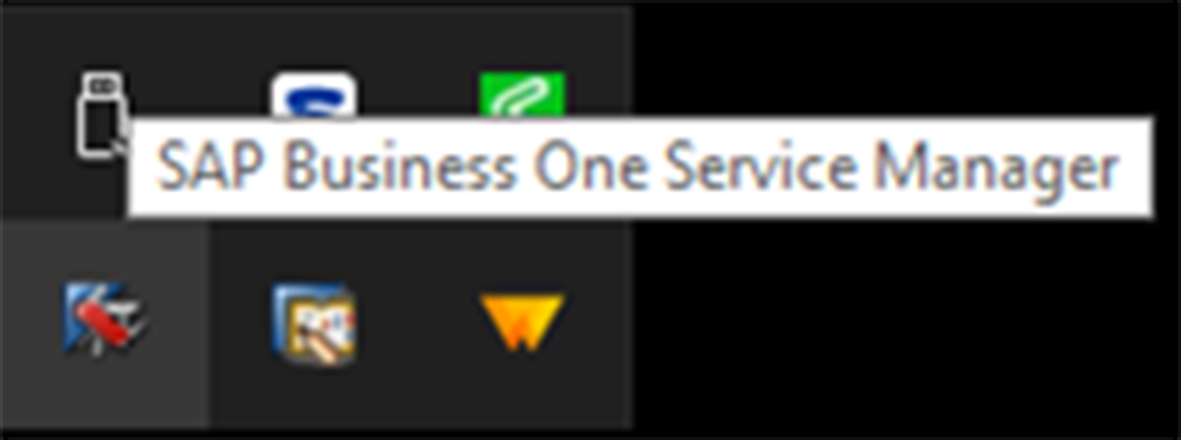
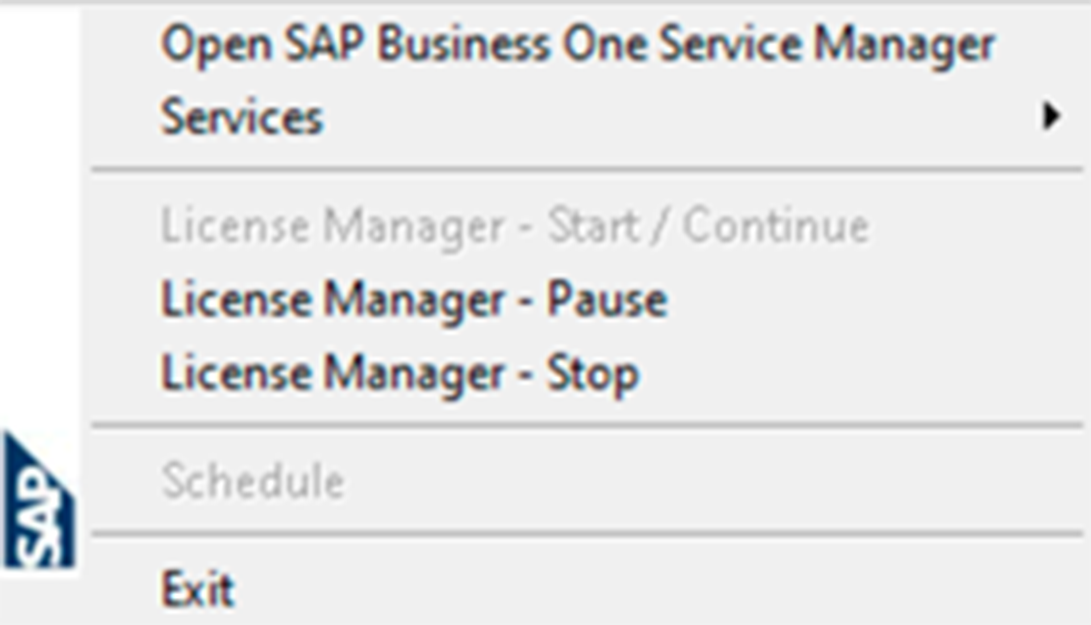
- Right-click on the icon and select Open SAP Business One Service Manager:
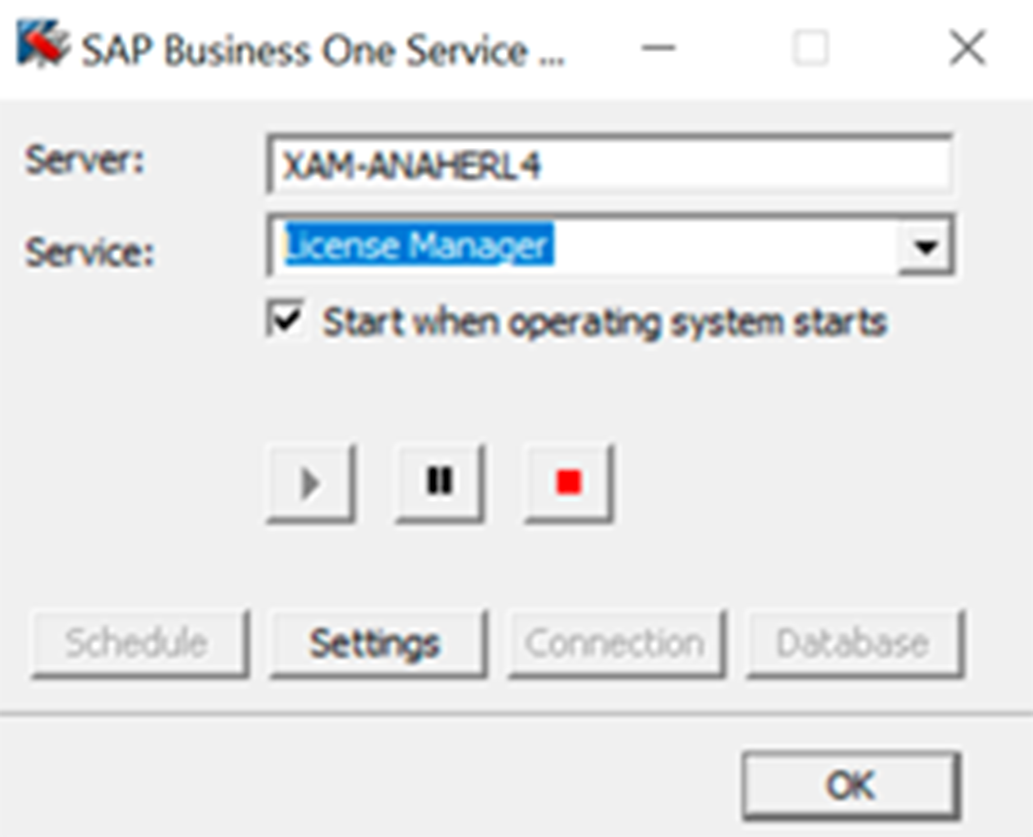
- In the pop-up window, select the license service: License Manager, click on the Settings button:
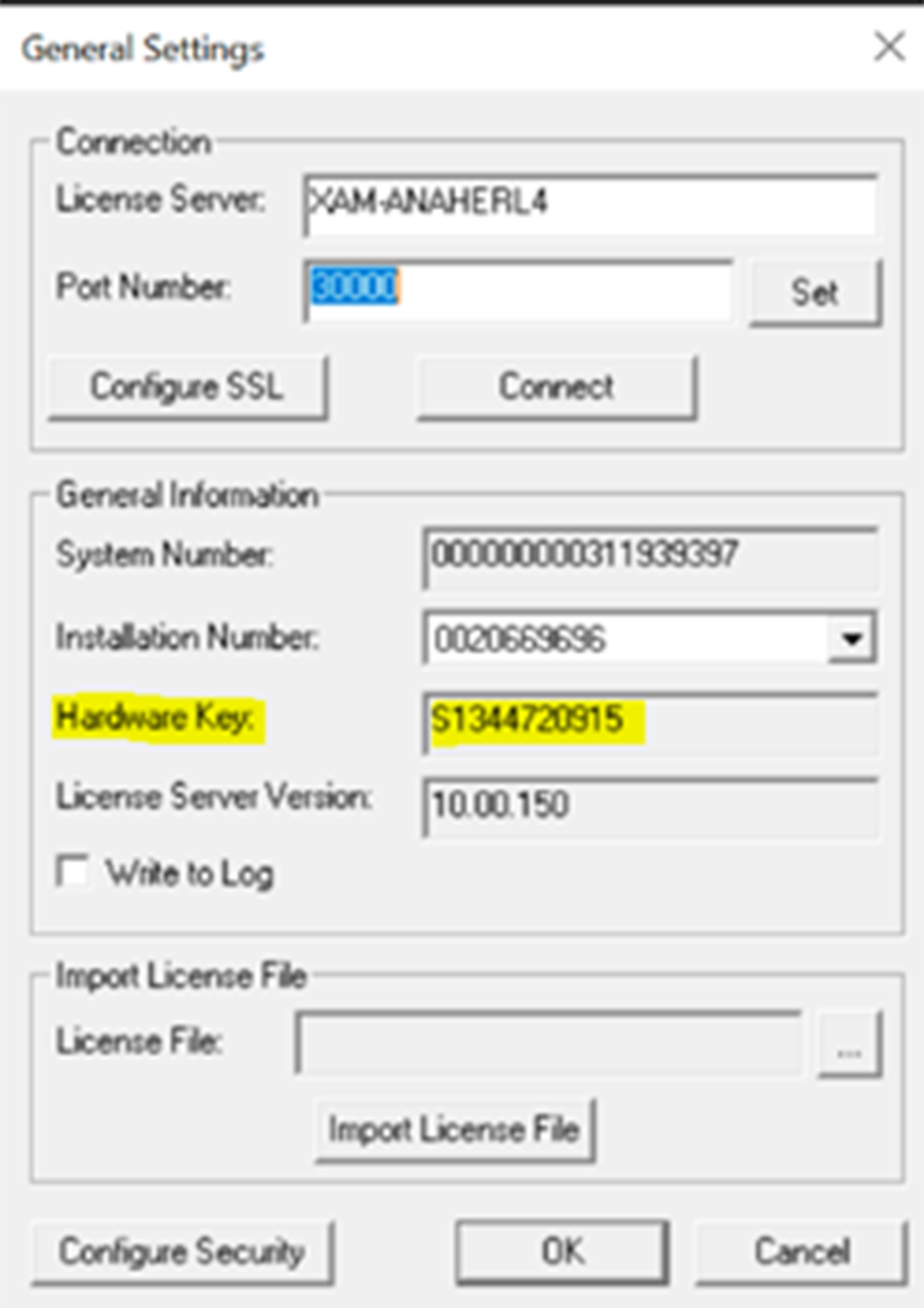
- Next, in the General Settings window, the Hardware Key will appear:
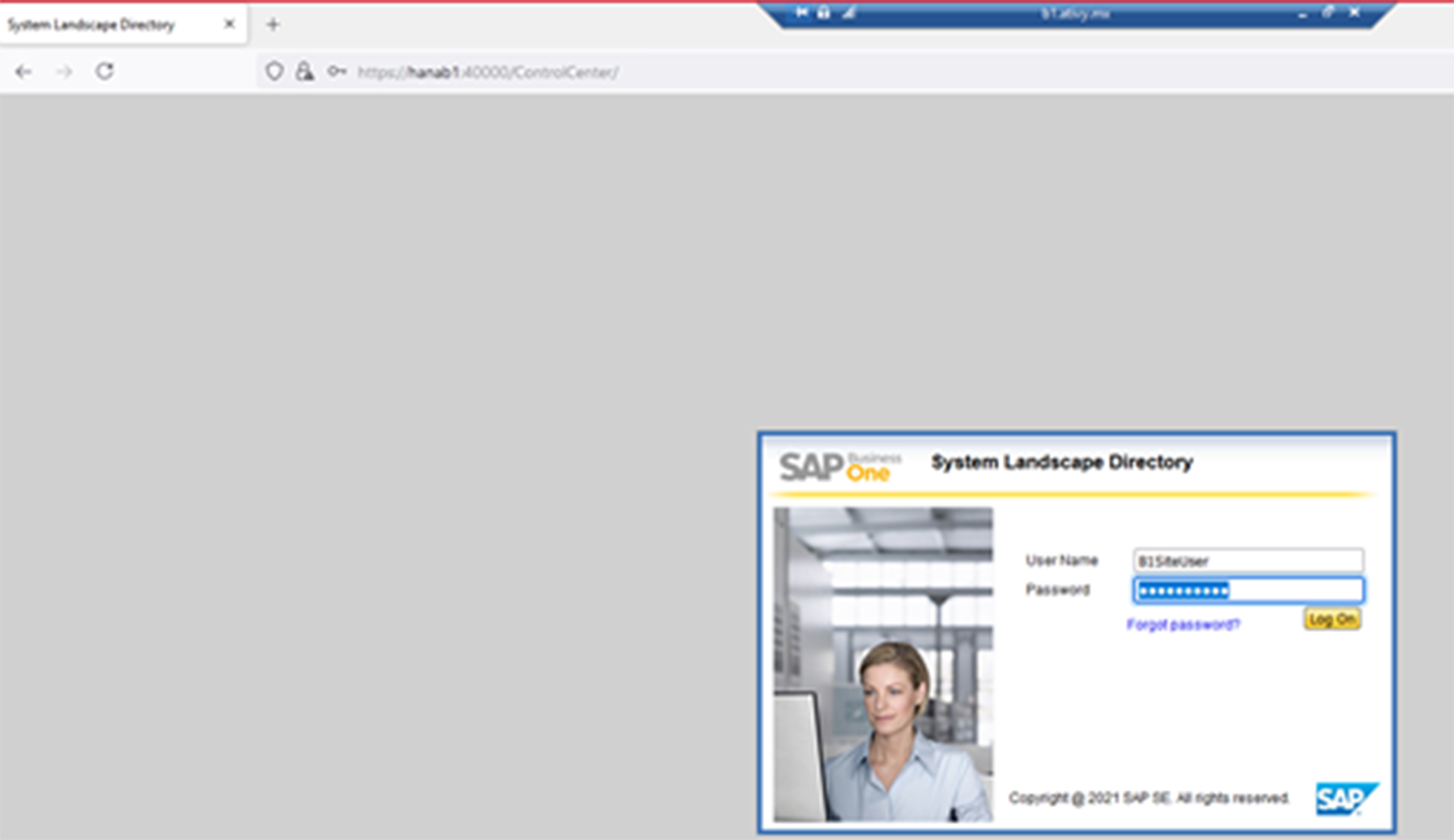
If the environment is a HANA platform, you can consult it from the System Landscape Directory (SLD), entering the path: https://hanab1:40000/ControlCenter/
Where, hanab1 (is the name of the instance) and the password of the B1SiteUser user is required to enter:
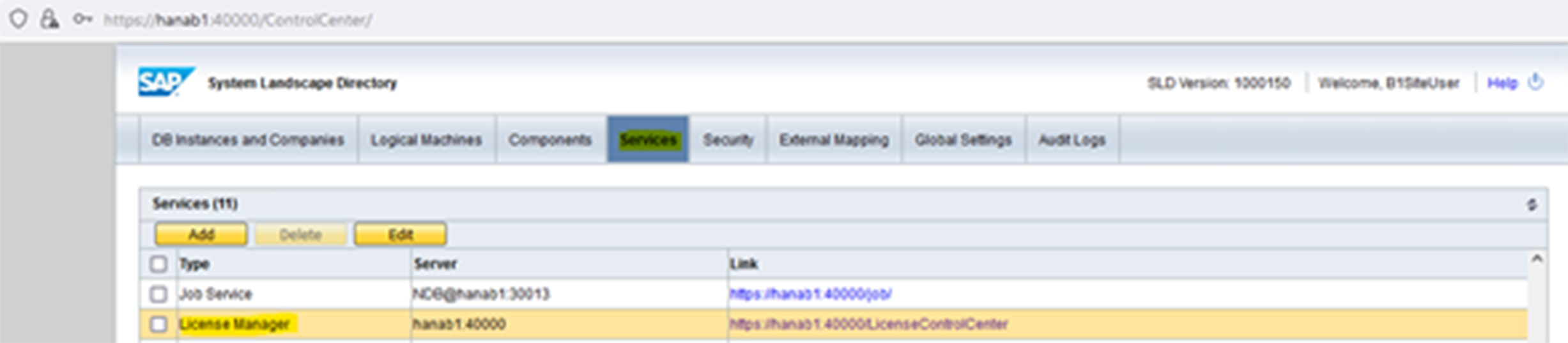
Upon entering, go to the Services tab and select the License Manager, click on the service link:
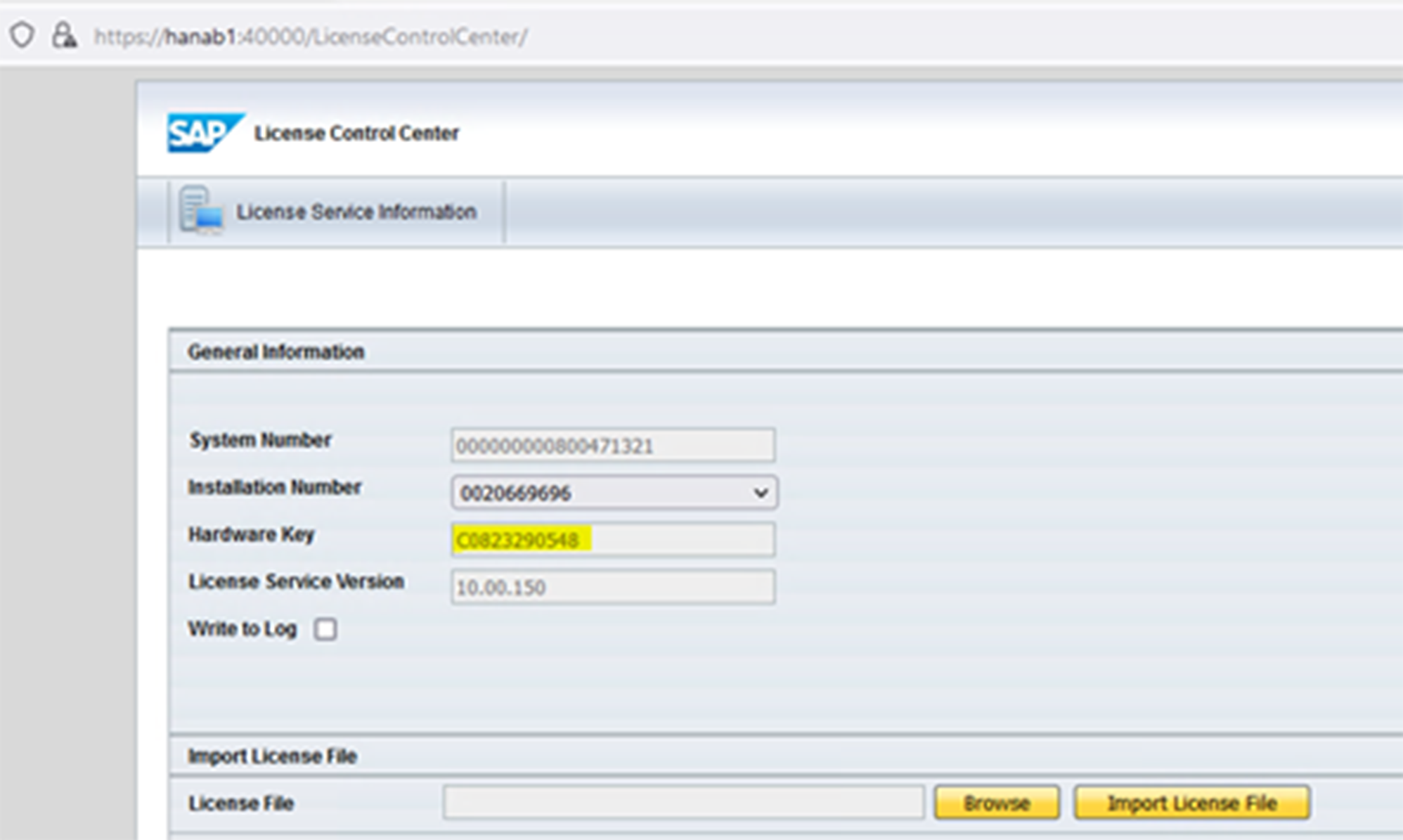
A second tab will open in the internet browser, where the data will be displayed:
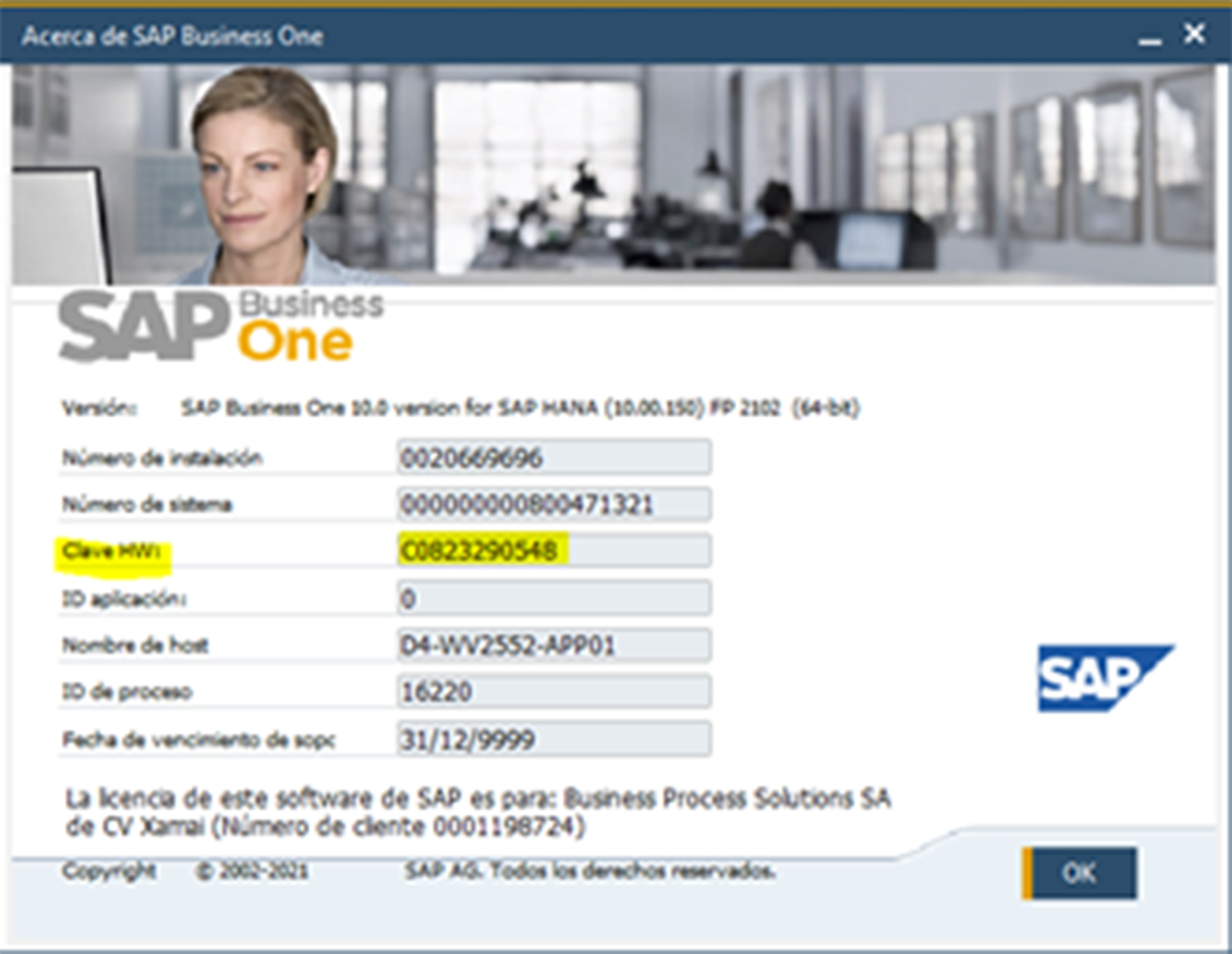
Finally, another way to identify it is by directly entering the SAP Business One client, go to the Help/About menu and in the system window, the HW key will appear:
What to do if the Hardware Key changes?
When the Hardware Key changes, it is necessary to generate a new license request through the SAP support portal. This process involves providing the new Hardware Key and validating that the change complies with SAP policies.
The three main reasons why you would change the HK are:
- Format the Server and reinstall Operating System and SAP Business One.
- Rename the Server.
- Once SAP Business One is installed, make a domain change.
Ready to talk to SAP specialists?
Tell us what your company needs and we'll help you find the best path.
Request information








 English
  Español de México
  Español