


What are the benefits of implementing SAP Business One?
The implementation of SAP is the process of configuring the software to manage business operations such as finance, human resources, purchasing and supply chain. It is about transforming your business to optimize operations, increase revenue and reduce costs.
If done correctly, you will have a business that will function exceptionally well. If done incorrectly, there will be delays, errors, and frustrated employees who will refuse to use the system.
En el caso de SAP Business ONE, es un sistema ERP integral para empresas en crecimiento, que permite gestionar toda la empresa: finanzas, operaciones, relaciones con los clientes y producción.
Al implementarse, el sistema aumenta la transparencia de la contabilidad de gestión y ayuda a organizar el trabajo en un único espacio donde están todos los datos, convirtiéndose en una fuente de información sencilla y accesible para la toma de decisiones, el control y la planificación.
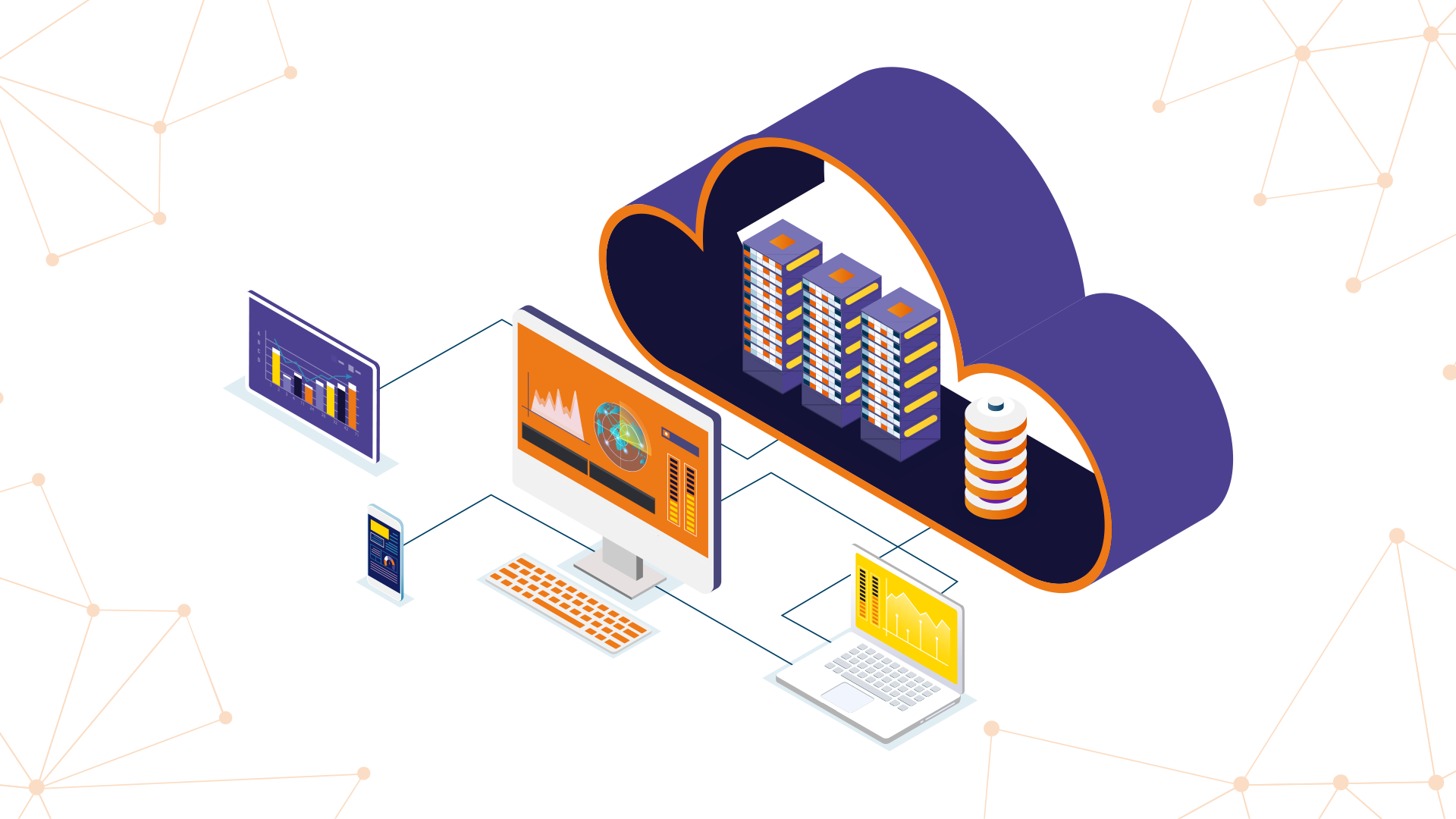
Hoy en día, implementar un sistema ERP ya no es solo una decisión tecnológica, sino una estrategia de crecimiento. Aunque existen modelos locales (on-premise), la mayoría de las empresas optan por soluciones en la nube por su flexibilidad, escalabilidad y facilidad de actualización. Es así que SAP Business One permite a las empresas operar de forma más ágil, con acceso a la información en tiempo real desde cualquier lugar, facilitando la toma de decisiones y la adaptación a los cambios del mercado.
However, these three positive aspects of ERP implementation apply only to all organizations:
Provides valuable real-time analytics.
Managing a company in real time is a challenge when accessing information and acting on it is complicated. Implementing an ERP system helps company managers centralize data, continuously monitor the company's financial position, and manage reports even in a complex and constantly evolving business environment.
¿Controlas toda tu empresa con Excel y procesos manuales por no tener un ERP?
Llevar tu negocio en hojas de cálculo lentas y propensas a errores limita tu crecimient. Da el salto seguro a tu primer ERP (SAP Business One) y unifica tu operación con Xamai.
Implementar SAP B1 con Xamai
Improve operational efficiency.
Managing a company with disparate systems that depend on manual intervention is not only costly and time-consuming, but also generates errors, delays, and dissatisfied customers. Automating manual processes with an ERP solution saves time, reduces labor costs, lowers costs, and increases profitability.
Simplified implementation, usage, and maintenance.
Keeping up with technological advances is complicated when an organization operates in multiple regions that do not have full support or in different lines of business that struggle to keep up with changes. Implementing a cloud-based ERP system makes updates scalable, automatic, and available anywhere.
Steps for SAP ERP implementation
When implementing SAP, experience and a reliable team are required.
Recuerda que en Xamai, somos uno de los 3 partners más importantes de SAP en México, por lo que conocemos los procesos de negocio de cada cliente y aplicamos la metodología y programa adecuado a los proyectos de las empresas.
Step 1: Situation diagnosis
Before embarking on the implementation of SAP ERP, it is essential to perform a thorough diagnosis of your company's current situation. Here is a list of questions that will help you evaluate whether SAP ERP is the right solution for your needs:
- Satisfaction of current needs: Do your current information systems and tools still meet the needs of your company?
- Improvement of efficiency and competitiveness: Is this the information system you need to improve the efficiency and competitiveness of your business?
- Long-term support: Can the tools available support the development of your business in the short, medium, and long term?
- Achievement of digital transformation goals: Are you capable of achieving your digital transformation and innovation goals?
- Employee satisfaction: Are your employees satisfied with the current information system?
- Necessary functionalities for an SME: What functions should the functionalities of an ERP cover for your SME?
Answering these questions will help you estimate your needs and define the technical and functional scope of your new ERP solution, allowing you to choose the most suitable integrated management software package for your company.
Recuerda que en Xamai, hicimos la primera venta de SAP Business One en México y estamos aquí para guiarte en este proceso y asegurarnos de que tomes la mejor decisión para el crecimiento de tu negocio.
Step 2: choosing the ERP solution
The choice of the most suitable solution is made based on the established diagnosis, since Xamai has several SAP solutions, but not all are adapted to the specifications of your company in terms of functionalities.
As a provider, we must seek the ideal SAP solution according to the required functional coverage, the level of integration and configuration, the scalability of the new solution and the level of support offered.
To succeed in this step, you will need to establish a project team to produce the specifications and manage the SAP ERP implementation project. It is also essential to involve management and end users.
Con la ayuda de Xamai, revisa las distintas soluciones SAP disponibles y conforme a lo que requiera tu negocio, analiza la capacidad de cada solución para cumplir con tus requisitos; selecciona la que mejor se ajuste a tus necesidades y elige la más adecuada, pues hay una gran cantidad de requerimientos técnicos, de hardware y software que se deben tener en cuenta.
Recuerda que más allá de la implementación técnica, el papel del partner SAP es clave para asegurar el éxito del proyecto. No solo se trata de configurar el sistema, sino de acompañar a la empresa en su proceso de transformación digital asegurando una evolución continua del sistema conforme crecen las necesidades del negocio.
Step 3: communication with all employees
Your employees are a key element for the success of your SAP integration project, as they know all the problems and challenges of each service and it will be necessary to involve them and maintain effective communication with them in all phases of this project.
This communication should be carried out by the project team and will be based on the benefits and advantages of this solution, the stages of its implementation, the SAP functionalities to be implemented and the evaluation of their expectations according to their service. The objective is to reduce their resistance to the new change and create a spirit of cooperation within the team.
Step 4: launch of the deployment of an ERP with SAP Business One
Después de haber establecido una comunicación efectiva con tus colaboradores, es hora de configurar tu nuevo sistema SAP. Esta configuración pasa por tres etapas :
1.ERP integration or deployment, donde la producción debe realizarse en armonía con el sistema de información existente.
Before that, it will be necessary to update the infrastructure and proceed with the migration of the database from the various tools to the SAP database.
- Configuration: este es un paso importante que le permitirá adaptar las funcionalidades de su ERP a las especificaciones y problemas identificados durante el paso de diagnóstico.
For optimal effectiveness, it is recommended that this configuration be carried out by professionals with experience in the field and in the selected product. - Testing: este es un paso que no debe pasarse por alto y debe ser realizado por los usuarios finales; el equipo del proyecto debe tomar las opiniones y retroalimentación de los usuarios para proceder, si es necesario, con correcciones o modificaciones a la solución.
Step 5: User training with SAP Business One
Once SAP Business One or another SAP product has been implemented, in order to make the most of its capabilities, it is essential to train employees so that they can master this new tool and work independently.
At Xamai, this training is offered at no additional cost to Key Users and includes unit and comprehensive tests. The former focuses on teaching the use of each module separately, while the latter allows simulating complete business processes, ensuring that users understand how the different components of the system interact.
Step 6: Evaluate the return on investment of the new solution
Para realizar esta evaluación del ROI debes identificar y medir las ventajas y beneficios de tu nueva solución ERP a través del establecimiento de indicadores de desempeño relevantes y adecuados para cada departamento de tu empresa y luego compararlos con los costos de implementación. Finalmente, si bien el proceso de implementación de un ERP con SAP Business One debe realizarse de manera metódica, sigue siendo fundamental para una implementación exitosa y para aprovechar las ventajas y beneficios de la solución escalable SAP Business One que se puede adaptar al desarrollo y crecimiento de su negocio a través de nuevas funciones y actualizaciones periódicas.
How does a successful SAP implementation proceed?
The duration of the project for the implementation of an ERP system is important information that you should be interested in as an entrepreneur from the beginning.
Factors such as the size of your company, the complexity of the business processes, the adaptability of the organizational structure and processes, the interfaces needed for third-party systems, and the resources available to all project participants influence the time frame of your project.
SAP Business One se puede implementar en poco tiempo (o no) dependiendo de las necesidades de la empresa, aunque la duración total del proyecto depende de la complejidad de los requisitos y, por lo tanto, también puede abarcar varios meses. Para estar siempre al tanto de los cronogramas y los recursos, se da gran importancia al intercambio regular con todos los participantes del proyecto y al control continuo del tiempo y la planificación de hitos.
Small and medium-sized businesses trust SAP Business One
As a cost-effective and easy-to-implement ERP solution, SAP Business One was specifically developed for medium-sized companies. It is part of the SAP product family. Unlike the large SAP S/4HANA, the function range of B1 is geared towards the requirements of small and medium-sized enterprises. Thanks to the wide availability of add-ons, this system can be flexibly expanded according to the specific needs of each company. Although in certain aspects it may be considered slightly below S/4HANA, it offers a high level of functionality, especially when it comes to not so complex business operations. It is not only about the handling of goods, but also about the number of legal entities, the degree of automation required and the overall complexity of the business, factors that directly influence the choice of the most suitable system.
The importance of SAP implementation
SAP helps companies operate profitably, structure and automate business processes. The enterprise solution combines all basic functions and supports, among other things, areas such as administration, financial accounting, banking processing, sales, purchasing, customer relationship management (CRM), inventory management, production, internal accounting, and reporting.
Employees can process information more effectively, allowing managers to make informed business decisions. The high level of efficiency creates room for creativity and new developments in the professional environment. Business owners and line-of-business managers always have access to an accurate, consistent, and up-to-date view in real time with a single system, across the entire company, accessible from anywhere via the cloud.
Xamai's services for the functional and cost-effective integration of SAP B1 are available to you thanks to the extensive experience of our consultants. We guarantee correct implementation; and if you have any doubts about this, or want more information about a specific SAP product or with the budget you have allocated for SAP implementation, contact us.
Risks of a poor implementation
La inversión en SAP Business One puede ser considerable para cualquier empresa: las licencias profesionales en renta van desde 91 USD por usuario, y los costos de infraestructura en la nube pueden tener un costo a partir de 1.400 USD.
Incluso una implementación express puede costar alrededor de 6.000 USD, por lo que ante estas cifras, una mala ejecución al momento de implementar SAP B1 puede representar una pérdida importante de tus recursos.
Entre los principales riesgos que existen están una personalización deficiente, la falta de capacitación adecuada y la resistencia al cambio del personal de tu empresa; esos son factores que dan lugar a errores operativos, baja productividad e incluso el abandono del sistema. Una integración deficiente entre áreas puede generar inconsistencias graves.
If there is not good communication between the client and the SAP consultant, there will likely not be a good adaptation to the system and to the needs of the business, leading to reinvesting in corrections or reimplementations.
¿Preocupado por los riesgos de una mala implementación de SAP Business One?
No arriesgues tu inversión. En Xamai, nuestra amplia experiencia como partner líder de SAP en México te protege de errores costosos, falta de capacitación y resistencia al cambio. Confía en nuestros expertos para una implementación exitosa y un retorno de inversión real.
Recuerda que más allá del costo inicial, elegir un partner experimentado es fundamental para asegurar que la inversión en SAP Business One impulse verdaderamente el crecimiento de tu empresa. En Xamai te acompañamos con una implementación especializada, basada en más de 25 años de experiencia como partner de SAP en México.
¿Cuánto le costaría a tu negocio detener su operación por intentar ahorrar en tu Implementación de SAP B1?
En tecnología, el verdadero costo no está en la cotización inicial, sino en las semanas de paros y fallos de un proyecto mal estructurado. Protege tu inversión desde el primer día con una implementación robusta, sin sorpresas y garantizada a la primera por los expertos de Xamai.
Asegurar mi inversión con Xamai







 English
  Español de México
  Español