


Types of clients and everything you need to know about the codes that allow their functions in SAP.
The SAP client or customer is an instance created within an environment used for configuration, development, or testing.
The client is the 3-digit code that comes by default when you enter SAP, it is normally 100 but can be others. Also in the tables you can put MANDT. With 3 digits we would have up to 1000 clients.
A client allows different users to work on the same system without any interference, since each user will only have access to view the application data of the company that is associated with the client they are connected to.
There are 2 different types of data in the system:
Each client has a set of data, configurations, and users that make it unique. This allows different organizations to operate on the same SAP system while maintaining separate information and access.
Client-dependent data: This includes company application data (customer data, supplier data, orders, invoices, accounting accounts, etc.) as well as most of the company's database parameterization.
Tenant-independent data: This includes certain company parametrization data that is accessible from any tenant created; these data are the least numerous.
The standard SAP clients are as follows:
Client 000:
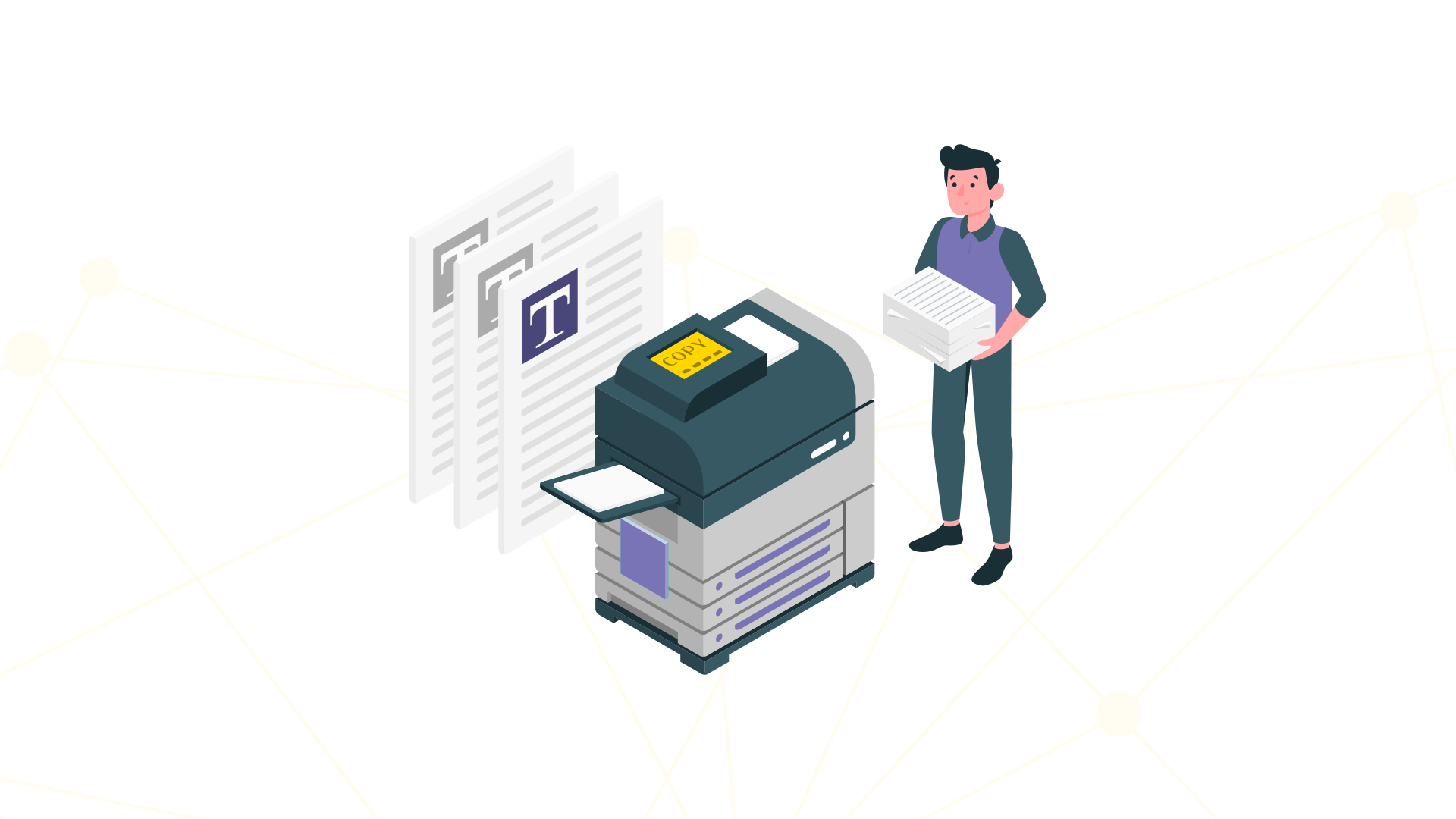
It functions as a reference client, does not contain company parametrization data, and is used to make copies for creating your own clients, thus ensuring the creation of these clients with parametrization from scratch. This client should not be modified.
Client 001:
It functions as an example client, and is identical to client 000. This client is not affected by SAP updates, and there is no indication from SAP that prohibits modifying, changing, or deleting it.
The tests and data recorded in the clients are specific to each client. Therefore, it is important to know these subdivisions when working with SAP.
When working in 600 and accounting (for example) in that client, it will not affect the tests being performed in client 900 for quality, unless changes are "transported".
Client 066 (Early Watch):
It is primarily intended for remote SAP support, allowing access to the system for diagnostics and performance optimization.
Clients according to the development or production stages of the business:
- Development Client: This is the environment where all necessary adjustments and developments are made. This is where new configurations or customizations are tested, but always in an isolated space so that it does not affect real operations.
- Test Client: Before any change reaches the production system, it goes through the test client. Here, adjustments are validated and situations are simulated to ensure that everything works correctly, thus minimizing the risk of errors in production.
- Productive Client: This is the environment where day-to-day operations are carried out. Everything that has already been tested and approved is implemented here so that the company can function without interruptions.
Functions of the SAP system client
Clients in SAP have the function of managing data and configurations independently within the system.
It allows each organizational unit to have its own environment, with customized configurations and security tailored to its needs.
A client in SAP has its own set of data tables, configuration parameters, and authorization profiles, which helps maintain the integrity and security of information.
This means that adjustments or changes can be made without affecting other areas or the system's global data.
Importance of Client Management in SAP
Proper client management in SAP is essential for the system to function stably and securely.
Maintaining separate environments for development, testing, and production allows for better change management, avoiding errors or conflicts that could affect daily operations.
Furthermore, this segregation helps protect data integrity, as any modification or implementation follows a controlled and supervised process.
Good client management not only optimizes system efficiency but also minimizes the risk of data loss or operational problems that could negatively impact the business.
How to enter a SAP client?
To enter effectively, you must open SAP Logon and enter the requested data. The system requests the three-digit client identifier to which you want to access. These three numbers are often figures like “100” or “300” as we mentioned previously.
Depending on the number, you will access one client or another, so knowing it is an essential aspect when working in the company's SAP system. In addition to the client, you must enter your username and password to access it.
If you require more information about clients or the systems operated in SAP, as well as your database records, do not hesitate to contact us so that a Xamai consultant can provide you with all the guidance you need for your company.
Ready to talk to SAP specialists?
Tell us what your company needs and we'll help you find the best path.
Request information





 English
  Español de México
  Español