

SAP is the largest German software company in Europe. SAP (System Application and Products in Data Processing) provides enterprise resource planning (or ERP) software, which is a management and IT tool that helps companies plan and execute their operations more effectively and optimally.
SAP consists of a series of modules that have the ability to support all the operations that a company must perform and each one works in relation to the others. All SAP modules can function integrated and connected to each other. In this article we will learn everything about the most common modules in SAP.
Each SAP module has its own functions and uses that we want to specify below. Remember that each of the SAP modules can be modified to suit companies' needs by integrating submodules that perform more specific tasks.
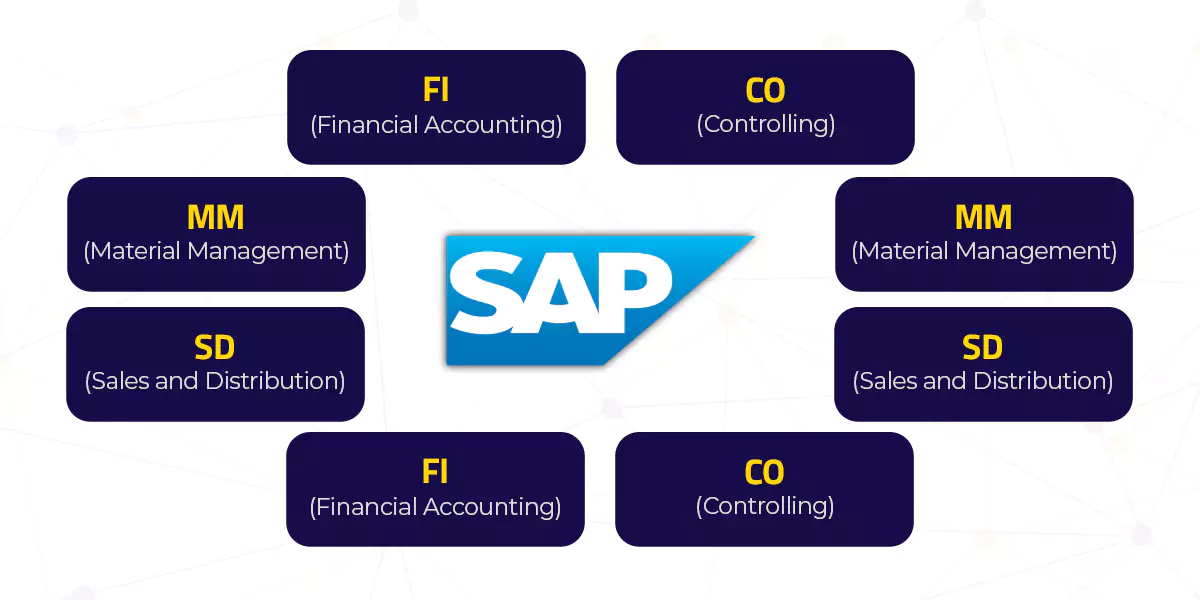
What are the main modules of SAP?
1. Finance (FI) or Accounting
This module is the cornerstone of the financial and accounting management of an organization. It provides real-time financial information and includes the following submodules:
- GL – General Ledger: Allows you to record and control financial transactions, such as income, expenses, and assets, and then organizes this data into accounting accounts.
- AP – Accounts Payable: Functions by recording and controlling financial obligations with suppliers, generating documents such as invoices and payments, allowing account reconciliation, and providing reports of outstanding balances.
- AR – Accounts Receivable: Provides tools for tracking accounts receivable and generating financial reports for the control and analysis of outstanding debts.
- BL – Bank Accounting: Allows you to reconcile and control bank transactions, such as payments, deposits, and reconciliations, ensuring the integrity of financial data and facilitating the tracking and management of banking activities in an organization.
- TAX – Tax: Allows you to configure tax rules, tax rates, and tax regimes, and integrates with other SAP modules to calculate taxes on business transactions and generate accurate tax reports.
- AA – Fixed Asset Accounting: Facilitates the generation of financial reports and complies with asset accounting and audit requirements.
- SL – Special Financial Accounting: Allows companies to manage and report specific financial data, such as taxes, transfer pricing, or parallel accounting, maintaining separate records and creating specialized reports.
- FM – Gestión presupuestaria:facilita el monitoreo de gastos y la generación de informes para garantizar el cumplimiento de los objetivos financieros de la empresa.
- TV – Gestión de viajes : Permite a los empleados crear solicitudes de viajes, reservar vuelos, hoteles y otros servicios relacionados con los viajes.
2. Gestión de Costos (CO) o Contabilidad de Costo
Este módulo se enfoca en la planificación financiera y la contabilidad de costos, permitiendo un análisis detallado de gastos. Sus submódulos incluyen:
- OM – Control de gastos generales: Permite definir estructuras de centros de costos, asignar gastos a estas estructuras, realizar seguimiento y análisis de costos, y generar informes financieros
- PC – Control de costos del producto:Permite el seguimiento y análisis de los costos directos e indirectos asociados a la fabricación, incluyendo materiales, mano de obra y costos generales de fabricación.
- PA – Cuenta de resultados: se utiliza para analizar y evaluar la rentabilidad de productos, clientes, segmentos de mercado, o cualquier entidad comercial.
- EC – Contabilidad de centros de beneficios:Facilita el análisis de rentabilidad al asignar costos directos e indirectos a estos centros, lo que ayuda a tomar decisiones informadas sobre la asignación de recursos
3. Ventas y Distribución (SD)
SD se encarga de la gestión de procesos de ventas y distribución, abarcando productos y servicios, con submódulos como:
- BF – Funciones básicas y datos maestros en el Tratamiento SD:se encarga de gestionar la información fundamental relacionada con clientes, productos y socios comerciales.
- PR – Price and condition determination: Used to automatically determine prices and conditions for purchase orders and other purchasing documents in SAP.
- CM – Credit and risk management: Uses credit information, defined credit limits, and risk analysis to determine whether a sale to a customer should be approved.
- FT – Foreign Trade / Customs: Allows for the management of customs documents, determination of taxes and duties, tracking of goods, and compliance with trade regulations.
- BIL – Billing: Records and manages the cash flow related to invoices, facilitating tracking of payments and revenue accounting.
4. Materials Management (MM)
This module manages the procurement and inventory of materials and services, including submodules such as:
- PUR – Purchasing: Is responsible for managing and optimizing the procurement process of goods and services in a company. It allows creating purchase requests, placing orders with suppliers, managing contracts, and controlling the supply flow.
- IM – Inventory Management: Allows for real-time tracking of stock levels, performing operations such as receipt, transfer, and inventory adjustment.
- WM – Warehouse Management: Helps to efficiently manage warehouse operations.
5. Production Planning (PP)
PP helps in planning, production, and related processes, ensuring timely manufacturing and distribution of products. Its submodules are:
- MRP – Material requirements planning: Works by calculating future material needs based on product demand, current inventory levels, and lead times, allowing companies to generate purchase orders and schedule production optimally to meet demand promptly and minimize inventory costs.
- REM – Repetitive manufacturing: used for the production of standard products in continuous or repetitive batches. It works by creating predefined material lists and production routes.
- KAB – Kanban: is a tool that automates inventory management and material replenishment in a production flow. It works through electronic cards or signals that are generated when a material needs to be replenished
- SFC – Work orders: Allows the creation, scheduling, and tracking of orders, process control, resource allocation, recording of production data, and real-time monitoring to optimize manufacturing execution and ensure product quality.
6. Quality Management (QM)
This module ensures the quality of products and services through quality control. It includes submodules such as:
– PT – Quality planning: allows defining quality standards, specifications, and inspection processes, as well as keeping a record of quality control results.
– IM – Quality inspection: is used to manage and control the inspection process of products or materials in an organization.
– QC – Quality control: Allows the creation of inspection plans, recording of test results, tracking of defects, and making decisions based on quality data.
– CA – Quality certification: is used to manage and control the quality certification process of products in a company.
7. Plant Maintenance (PM)
PM focuses on the maintenance of machinery and equipment, with submodules such as:
- EQM – Technical objects: Allows keeping a record of relevant information, such as maintenance, location, and costs, to optimize asset management and ensure its availability and efficiency.
- PRM – Preventive maintenance: Helps to minimize failures and increase asset availability by scheduling inspections and maintenance tasks based on time intervals or predefined conditions.
- WCM – Workplace management: Allows organizations to efficiently plan, assign, and supervise the layout of work areas, equipment, and resources to improve productivity and efficiency in the workplace.
8. Customer Service (CS)
This module manages customer requests and issues effectively. Its submodules include:
- IB – Service object management: is responsible for managing and maintaining information related to service objects used in asset management and maintenance.
- MCB – Maintenance and customer service budget planning: allows for detailed tracking of costs related to asset maintenance and customer care, facilitating efficient management of financial resources in these areas.
9. Project Management (PS)
Helps in managing large-scale projects and tracks planning, costs, and revenue, in addition to generating detailed reports for effective decision-making in project management within an organization.
What to expect from the implementation of SAP modules in a company?
Working with SAP modules will change the way all areas of the company work. It doesn't matter if you use an SAP Business One module or any other SAP product. Once you work with a modular ERP, you will see that changes made in one module automatically update other modules if the information being changed is related to that module.
Data will be updated immediately as soon as the user enters the data into the system. This is called "real-time processing" which allows for better use of all SAP products.
System integration occurs because companies must use the same data source, for both customer data, product data, and supplier data. This guarantees control of all activities.
Data Transparency
All users who have access to the system will be able to see all the most up-to-date information when needed, even if the information is entered by other users.
Increase the speed of business processes
Improve customer service.
Increase responsiveness to market changes. Improve the consistency of business processes
Ensure that standard operating procedures are executed correctly.
Improve the tracking and control functions of each section.
Reduce human error.
Improve the quality of business processes.
Improve the quality of information so that it can improve the ability to make decisions quickly and accurately.
Improve the analysis function in a situation.
Conclusion
The main SAP modules are suitable for various application areas in companies and cover, among other things, finance, control, logistics and human resources. In addition, those responsible can also access several modules that are designed for individual industries.
Do not hesitate to contact us if you have any questions about the SAP module or system.
Ready to talk to SAP specialists?
Tell us what your company needs and we'll help you find the best path.
Request information




 English
  Español de México
  Español