

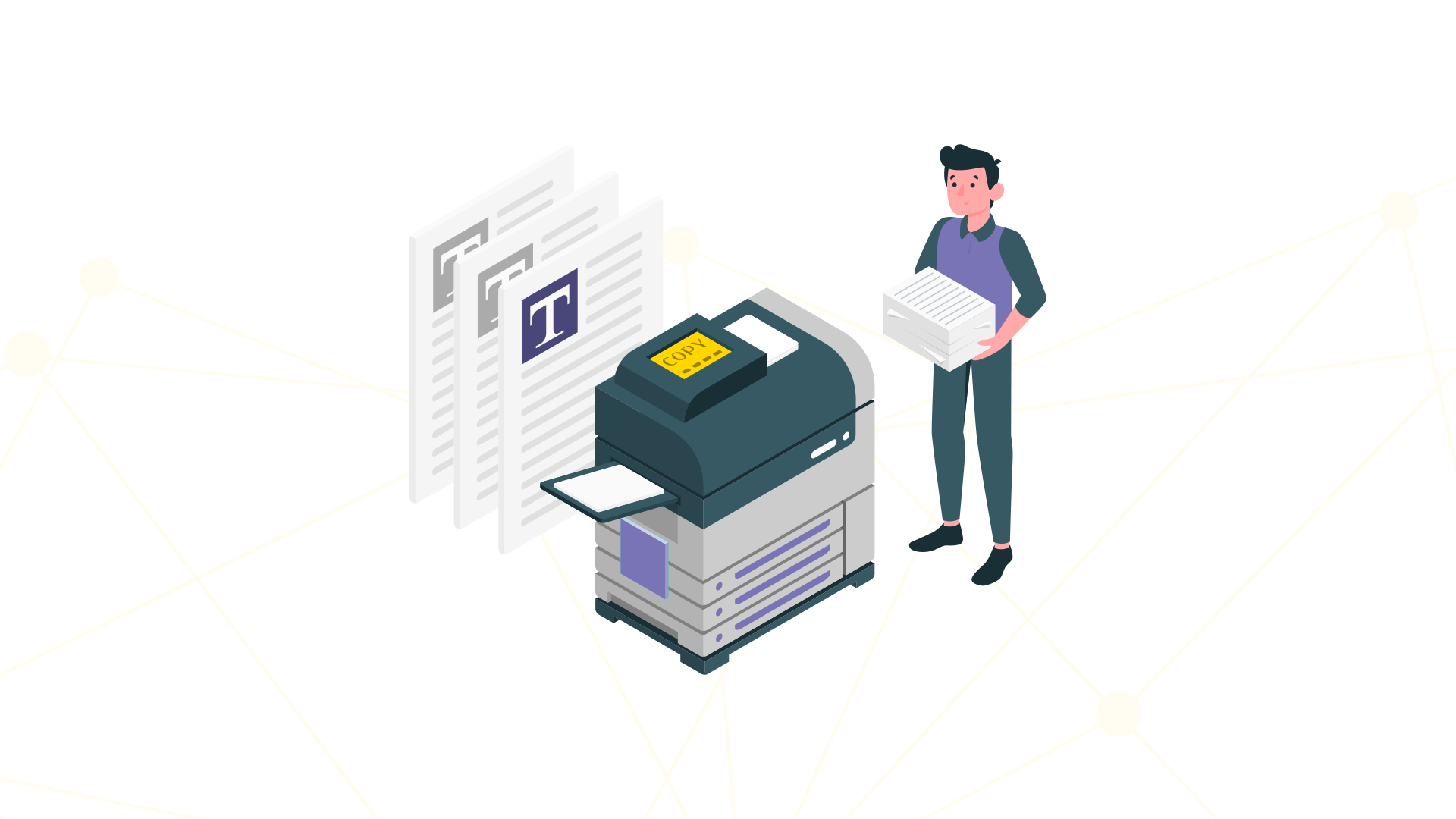
We explain the function of a client in SAP and the usefulness it has in system management
The "client" in SAP is an instance within the system that behaves independently in terms of data, as if it were an autonomous database. Although SAP systems come with some preconfigured clients, companies can create new clients based on these initial models.
This is very important because different environments (such as development, testing, and production) can be managed in the same SAP installation, ensuring that data and configurations are not mixed between clients and that there are no errors in the transaction.
Client copies are essential for replicating configurations, master data, and transactional data between different environments within SAP.
For example, when preparing a testing (QA) environment, it is common to create a copy of the production client to simulate real scenarios.
Types of client copies:
1. Local client copy
A copy between clients within the same SAP system. It is useful when you want to replicate a work environment, as it allows you to copy all the configuration of one client to another without the need for external connections during the process.
2. Remote client copy
A remote client copy allows you to copy data between clients of different SAP systems. This copy must be initiated from the destination client. It proceeds in the same way as a local copy, but sends the data through a remote function call (RFC) connection to the destination user.
This type of copy is ideal when SAP systems are geographically distributed or on different servers.
3. Client Transport: Export and Import
A client transport differs from a client copy because it does not use RFC, and is used to copy data between different clients, it can also be used to replace a local or remote client copy.
It is important to keep in mind that client copies can be heavy processes that affect system performance, so they should be carefully planned to affect users as little as possible.
Depending on the volume of data to be copied and the type of copy chosen, the execution time may vary. In addition, it is vitally important to have specialized personnel in SAP system administration to ensure that client copies are performed correctly, avoiding loss of critical data or synchronization problems.
If you have any questions about this process, you can write to us, at Xamai we are always here to help you solve your doubts.
Ready to talk to SAP specialists?
Tell us what your company needs and we'll help you find the best path.
Request information








 English
  Español de México
  Español